Mobile internet in St Petersburg and the Leningrad Region is restricted from time to time — for an hour, for half a day, occasionally for several days in a row. The phone still shows a full signal, calls and text messages go through, but data does not. It then turns out that half of everyday life runs on data: the map, the taxi app, payments, the electronic ticket. Here is what stops working, where it happens most often, and what to set up in advance.
What exactly is restricted
The restriction applies only to mobile data — the cellular network. Home broadband, fibre and wired office connections work as usual, and so does public Wi-Fi. Voice calls and SMS are not switched off: if there is no data but you can still make a call, this is it.
Hence the first practical consequence: Wi-Fi becomes the resource of the day. It is available in the metro, in shopping centres, in cafés, in libraries and in public service centres. Twenty minutes at a hotspot is enough to order a car, refresh your tickets and warn everyone that you are offline.
Where the signal drops most often in St Petersburg
There is no official map of restrictions and they are not announced in advance. The city committee for informatisation and communications reports them, usually after the fact.
Days of mass events. The most predictable trigger. During city holidays, parade rehearsals and the parades themselves, restrictions have been applied to St Petersburg and the Leningrad Region at the same time. On such days driving out of town does not help — the region is covered along with the city.
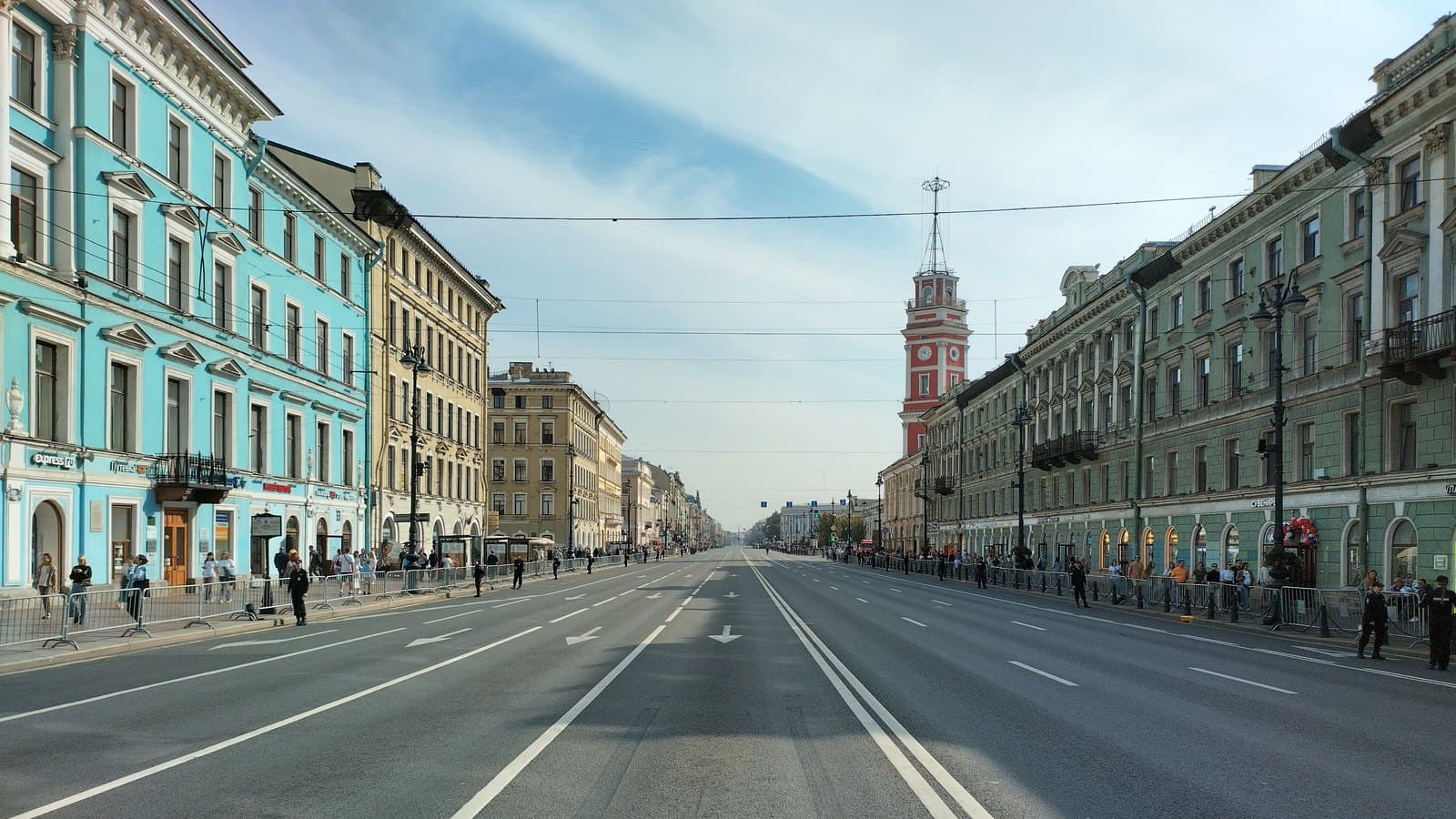
The centre and major transport hubs. As in Moscow, data in the centre comes and goes unpredictably: there is a signal on one street and none around the corner. Approaches to the railway stations and to the airport are affected separately.
Pulkovo. Here the risk is not only the connection. When drones are reported, the airport suspends arrivals and departures — and you are left without internet at exactly the moment you need it most, to check your flight status and rebook. Worth remembering if your departure is early and you are travelling with one phone and a ticket buried in a chat.
The stated reason for the restrictions is security and protection against drones.
A separate note on rumours: chat messages along the lines of "the internet will be switched off for a week starting tomorrow" regularly turn out to be false, and city media have debunked several such waves. The only sources worth checking are your own operator and official city announcements — not a forwarded message.
White lists: what stays available
A complete blackout is unusual. So-called white lists keep working — a set of resources that operators let through even during a restriction. They include state services, bank websites and apps, large marketplaces, social networks and the ecosystem services of Russian companies.
An important caveat: a white list is not a guarantee. First, it changes. Second, an app may formally be on the list yet pull its content from other addresses that are blocked — in which case it opens halfway or not at all. Operators publish the current list on their own sites, and that is the only source worth trusting.
What to set up while you still have a connection
Offline maps. The most valuable item. Download the map of St Petersburg and the region in whichever app you use. Save the metro scheme separately as an image in your gallery: it weighs kilobytes and always opens.
Tickets and bookings. An electronic ticket for a train, a flight or a museum is not a link but a PDF or a screenshot. Save them to the phone before the trip. The same goes for your hotel booking and the address you are heading to: an address in your notes is more reliable than an address in a chat.
Transport card. The Podorozhnik card and a bank card work at the turnstile without internet — that is an offline operation. Paying by phone through an app may fail. Carry the physical card, not only the phone.
Cash. Shop terminals run on wired lines and usually survive, but a courier, a market stall or a small street kiosk may not. A thousand roubles in your pocket closes the question.
Phone numbers. Taxi, hotel, work, school — put the key numbers in your contacts rather than leaving them in a chat. A call works when a messenger no longer does.
How to get through a day without data
Taxi. The app cannot order a car without internet, but every large service has a dispatcher's phone number. Save it in advance. The other option is to order from a Wi-Fi spot and wait there.
Navigation. With an offline map a route can be built; traffic cannot. Allow extra time. In the city the metro is often faster and more reliable: it depends neither on data nor on traffic.
Staying in touch. Messengers may not open, calls and SMS work. Agree in advance: "if I am offline, I text."
Bridge openings. A particularly St Petersburg problem: if you planned to check the bridge schedule on your phone and order a taxi afterwards, without internet neither will work. Save the night schedule as a screenshot in advance.
What not to do
Do not rush to buy a second SIM from another operator "just in case": restrictions are applied by territory, not by operator, and a second card in the same district will behave the same way. If a fellow traveller on a different network has no data either, the problem is not your phone or your plan. And do not install random apps promising a "workaround" on the advice of a chat: at best it is a waste of money, at worst you hand access to your phone to strangers.